
← Back to blog7 min read
The Google AI Certificate is a beginner course from Google that teaches you to use AI at work, and on August 11, 2026 it added a course on vibe coding. It costs $49 a month in the US and Canada at the time of writing, and the paid route comes with three months of Google AI Pro. Two routes can cost nothing, and if either fits you the decision is easy. On the paid route it comes down to one thing: how fast you finish.
I have not taken it. What follows is what Google and Coursera commit to on their own pages, checked on August 12, 2026, and what the pricing structure means for what you actually pay.
Key Takeaways
- On the subscription route it is $49 a month in the US and Canada, so what you pay is decided by how long you take.
- It now runs to eight courses, ending in a new one on vibe coding. Google's own enrollment page still says seven.
- The new course is called AI for App Deployment. It covers testing, debugging, and putting an app somewhere other people can use it.
- You write no code in the build courses. You describe what you want in plain language instead.
- Three routes in, and two of them can cost nothing: Coursera financial aid if you qualify, and Coursera for Business for eligible US companies.
Short on time? Jump to 3 ways in, which is the part worth acting on today.
What Google Actually Added
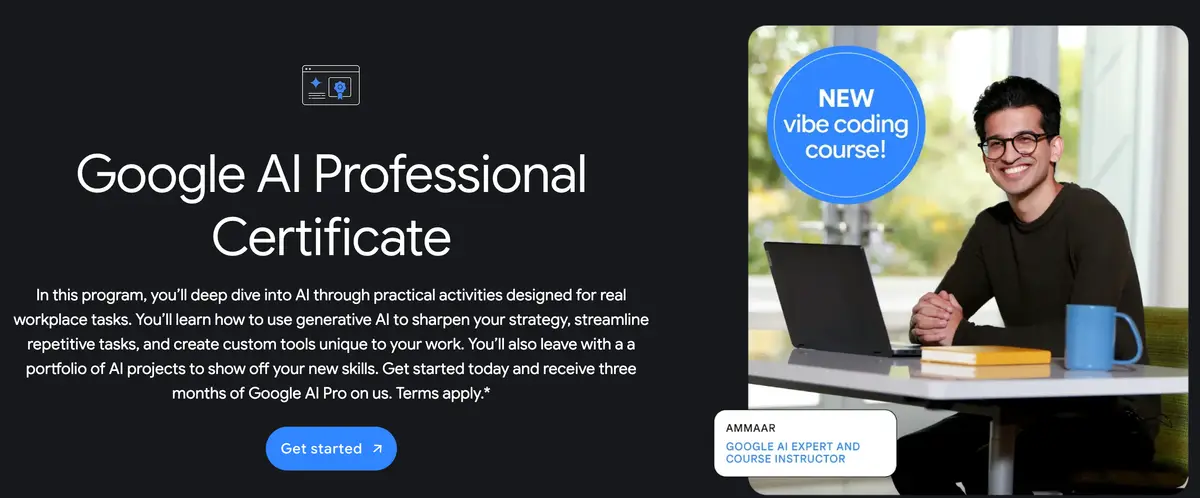
On August 11, 2026, Lisa Gevelber, Founder of Grow with Google, announced that the certificate was getting a vibe coding course. The wording on the page is plain: "Our newest vibe coding course launches today."
Vibe coding means describing the app you want in ordinary language and letting the model write it. You are not learning a programming language. You are learning to say what you want clearly enough that something useful comes back, which is a skill, and a different one from typing code.
The course teaches you to test an app, debug it, and put it somewhere other people can use. Deployment is the harder half. Getting a model to build something that runs on your own machine is one job. Getting it somewhere a colleague can open it is another.
One thing worth saying plainly. The moment an app is public, anyone who finds it can poke at it, and the three things that most often go wrong on a first deploy are a password left sitting in code the browser can read, a database open to anyone with the address, and a usage bill nobody capped. A model will not always raise those unprompted. So before anything goes live, ask it one question: what in here can someone else see or use that I would not want them to?
The Eight Courses, In Order
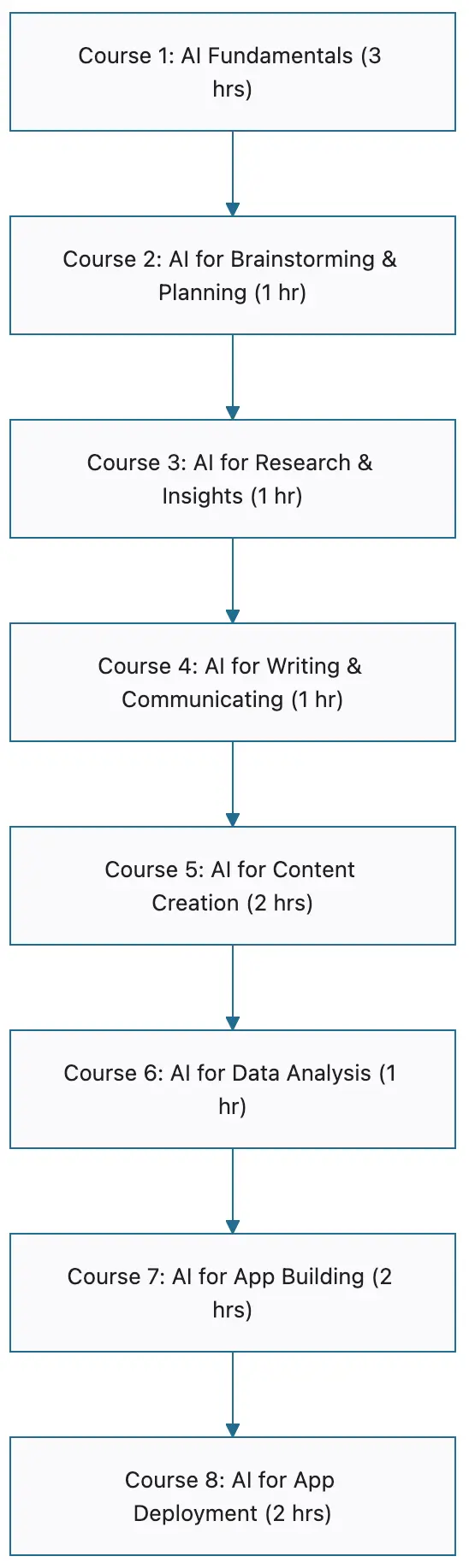
Here is the full path, as the Coursera catalog lists it today.
| # | Course | Roughly |
|---|---|---|
| 1 | AI Fundamentals | 3 hours |
| 2 | AI for Brainstorming and Planning | 1 hour |
| 3 | AI for Research and Insights | 1 hour |
| 4 | AI for Writing and Communicating | 1 hour |
| 5 | AI for Content Creation | 2 hours |
| 6 | AI for Data Analysis | 1 hour |
| 7 | AI for App Building | 2 hours |
| 8 | AI for App Deployment | 2 hours |
One thing to know before you enroll, because it will make Google's pages look like they disagree. As of August 12, 2026, Google's enrollment page still opens that section with "The Google AI Professional Certificate includes seven courses:" and then lists seven, stopping at AI for App Building. AI for App Deployment is not on it.
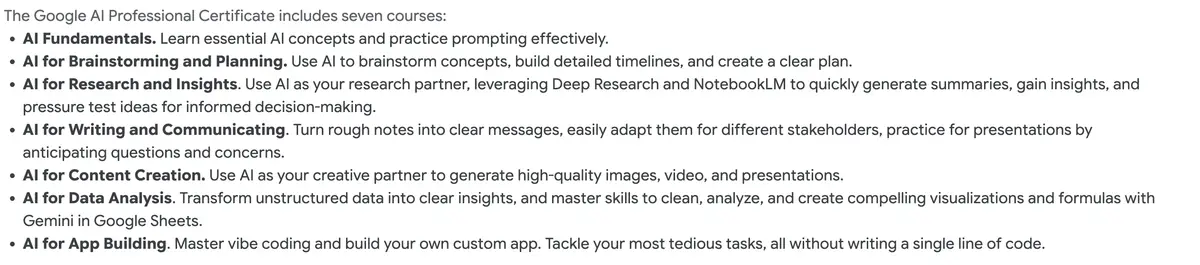
Both pages are Google's, and the catalog is the one that is current. Go by eight.
There is a second reason the pages read oddly. Coursera's catalog uses the phrase "vibe coding techniques" to describe course 7, AI for App Building, which already existed, while Google's announcement calls course 8 "our newest vibe coding course". So course 7 covers building the app and course 8 covers getting it live.
What The Google AI Certificate Costs
At the time of writing it is $49 a month in the US and Canada on Coursera. It is also on Google Skills and Udemy at their own terms. Paying the Coursera subscription adds three months of Google AI Pro.
The useful part is the shape rather than the price: this is a monthly subscription wrapped around a short course, so on the paid route the total is decided by how long you take. One subscription covers all eight courses at once, not one at a time. Finish in a month and it is a $49 course. Take four months and it is a $196 course, for the same material.
Coursera lists eight hours to complete, and the modules run about an hour each. Either way it fits inside one paid month if you schedule it.
Cancelling takes effect at the end of the billing period you have already paid for, so you keep access until it runs out. That is as far as Coursera's terms go. They do not say what happens to the remaining Google AI Pro months if you cancel early, and they do not state in writing that a certificate you have already earned stays yours afterwards. Every secondary source says it does, and nothing official contradicts it, so treat that as very likely rather than confirmed.
One thing worth naming, because it changes what the hours are worth to you. The whole course runs on Google's stack, and it comes bundled with a trial of Google's paid plan. The skills you build are real, and they are tool specific: you are learning Gemini and Google AI Studio, not AI in the abstract. That is a fine trade if Google's tools are where your work already lives, and a thing to know if it is not.
3 Ways In, And What Each One Costs
| Route | You pay | You get the certificate | You get Google AI Pro |
|---|---|---|---|
| Coursera subscription (US/CA) | $49 a month | Yes | Yes, three months |
| Financial aid, if you qualify | Nothing | Yes | No |
| Coursera for Business (US only) | Nothing | Yes | Yes, plus Workspace |
Financial aid is the route worth checking first if money is the constraint. Coursera grants it to learners who qualify, so start the application before you block out the time. What it does not cover is the Google AI Pro trial, which Coursera states outright, so you get the learning and the certificate and none of the tooling.
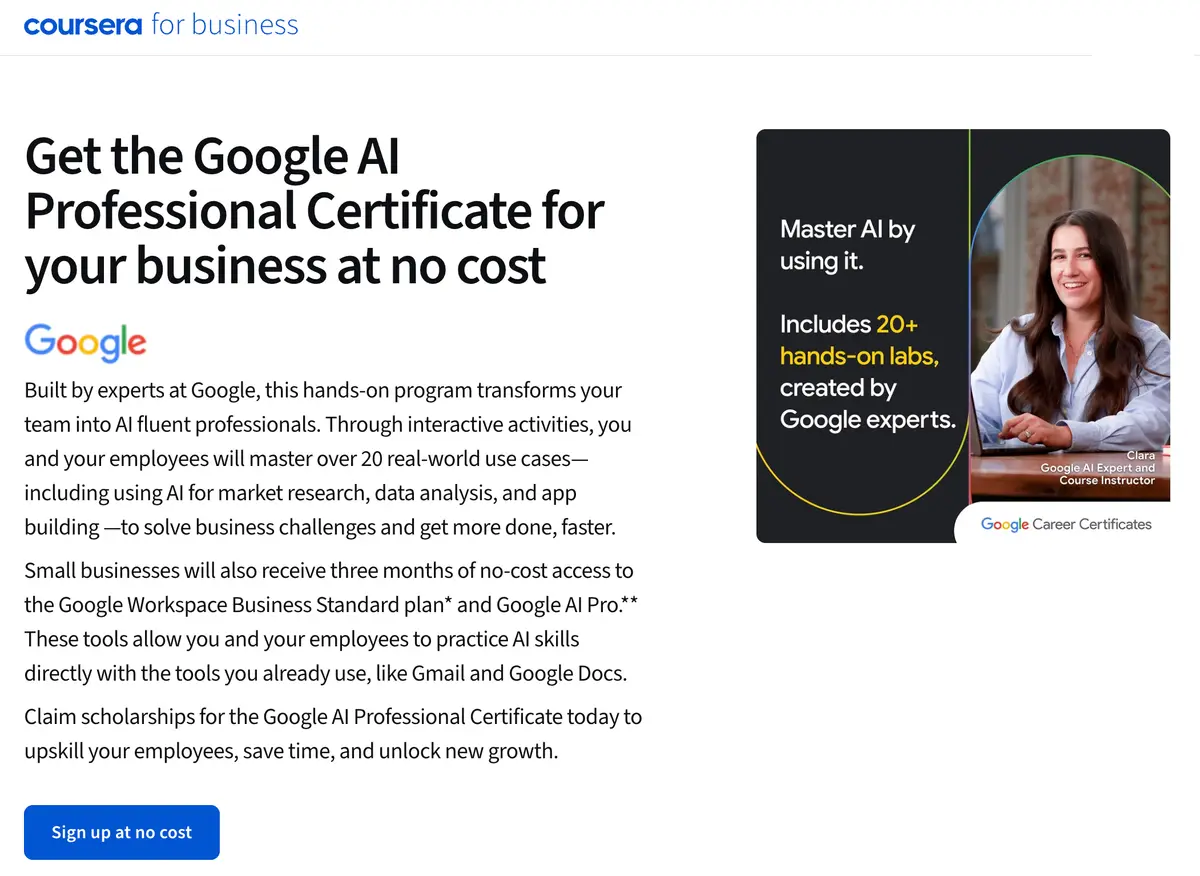
Coursera for Business is the one worth knowing if you run the company. Coursera's business page offers the certificate at no cost, including three months of Google Workspace Business Standard and Google AI Pro for your team. If you own the business, that route is worth checking before the $49 one.
Read the eligibility before you get attached to it, because this route is fenced in ways the $49 one is not. At the time of writing it is open to US businesses with 500 employees or fewer and a valid EIN, the federal tax id a US business registers with, and it carries its own deadlines: enroll by December 15, 2026, redeem the Workspace benefit by December 31, 2026, and redeem the AI Pro trial by January 1, 2027. Outside the US, or above that head count, the subscription is the route.
If putting AI into how a team actually works is the real goal, the certificate is the starting point rather than the finish, and I have written separately about AI agents that take a piece of the week off a business owner's hands.
Who It Fits
No previous experience is required. The first course is fundamentals, and the building at the end is done without writing code.
It fits three people well. Someone job hunting who needs something verifiable on a profile. Someone who owns a business and wants their team using AI on the same tools by the same method rather than each person improvising. And someone who has used AI casually for months and suspects there is more in it than they are getting.
That last group is the one I would push hardest. Casual use plateaus, and the limit is more often the prompt than the model. The fastest free fix there is better prompts, and this course is the paid version of the same thing: structured practice at it, with someone else deciding what you practice.
Where it fits less well: if you already build software, the first six courses will cover ground you have, and the last two are aimed at someone deploying their first thing rather than their fiftieth.
What You Come Away With
The certificate itself is the part people notice, and it is the smaller half. The bigger half is what you build on the way there, on Google's own tools, including Gemini, Gemini Canvas, and AI Studio. Coursera's catalog counts more than twenty hands on activities. Set against the listed hours, most of those are short exercises rather than long projects, and twenty-plus things you have actually done is still a better answer to "what have you built" than a line on a profile.
A portfolio outperforms a certificate for the same reason a demo outperforms a resume. One says you completed something, the other shows what you can make. If you are heading into a job search, the projects are the artifact that does the work. And if you are applying to roles at volume, a job search agent keeps the tailoring off your plate.
If you would rather learn this live and applied to your own work instead of a course path, that is what I run the AI workshop for.
Should You Enroll?
If you qualify for financial aid, or you own a US business small enough for the Coursera for Business route, the answer is yes and the money is not the question. Those routes cost nothing if you qualify, so pace does not change the price. Coursera for Business does carry enrollment and redemption deadlines, so check those first.
On the $49 route it is yes on one condition: block out the time before you enroll, not after. The whole case rests on getting through the material inside a single paid month. Enroll and drift and it becomes a monthly subscription to a course you are not taking, and four months of that is $196 for the same eight courses. Nothing about the certificate is expensive. Only the drift is.
Frequently Asked Questions
How long does the Google AI Professional Certificate take? About eight hours. Coursera headlines "8 hours to complete" and Google states the modules take about an hour each. Neither figure counts the time you spend on the activities, so plan for a little more, and you can go at your own pace.
How much does the Google AI Professional Certificate cost? $49 USD a month on Coursera in the US and Canada. Prices vary elsewhere, and Google Skills and Udemy set their own terms.
Do you need coding experience? No. The certificate states that no previous experience is required, and the vibe coding course is built around describing what you want in plain language rather than writing code.
What is the new vibe coding course called? AI for App Deployment. It is the eighth course, and it covers testing, debugging, and putting an app somewhere other people can use it.
Is there a free way to take it? Two. Coursera financial aid covers the course for learners who qualify, though Coursera states that financial aid recipients do not get the three month Google AI Pro trial. And Coursera for Business offers it at no cost to US businesses with a valid EIN and 500 employees or fewer.
Is there a deadline to enroll? Not for the $49 subscription route, which states no end date at the time of writing. The Coursera for Business route does have deadlines: enroll by December 15, 2026, redeem the Workspace benefit by December 31, 2026, and redeem the AI Pro trial by January 1, 2027.