Best Claude Code Plugins: 5 That Stop Claude Guessing
The best Claude Code plugins hand Claude something it cannot see on its own. Claude Code is good at writing code, and it still guesses when the answer lives outside the chat: the current docs for your library, the bug report your user filed, the look you want for a page, the error sitting in the browser console. A plugin closes one of those gaps, so Claude reads the real thing instead of filling the blank from memory.
These 5 cover the gaps that come up most when you build anything with a page and a backlog behind it: Context7 for your docs, GitHub for your issues, Superpowers for the plan, Frontend design for the look, and Chrome DevTools for the browser.
Key Takeaways
- Each plugin fixes one thing Claude would otherwise guess: outdated docs, the issue you would retype, a missing plan, a generic design, or an error it cannot see.
- Context7 gives Claude the current docs for the library you are using, and for the version you name.
- GitHub lets Claude read an issue or a pull request directly, so you hand it a ticket instead of retyping it.
- Superpowers makes Claude agree on a design and a plan first, then write a failing test before each piece of code, so mistakes show up early.
- Frontend design and Chrome DevTools cover the browser side: a page with a clear design instead of the default look, and errors Claude can read for itself.
- Start with the 1 that fixes your biggest headache today, then add the rest.
Short on time? Jump to the 5 at a glance to see them side by side, with the install line for each in its own section below.
What Is a Claude Code Plugin?
A Claude Code plugin is a bundle of tools and skills you add to Claude Code once. After that, Claude uses its skills and tools when a task calls for them. Ask about a library and a docs plugin gets used, ask about a failing page and a browser plugin gets used. Plugins sit on top of the basic Claude Code setup, so if you are brand new, start there and come back.
Is a Claude Code plugin the same as an MCP server?
Not quite, and for this list the difference rarely matters. An MCP server is a small program that connects Claude to an outside tool, like GitHub or a browser. A plugin is the wider package, and it can carry skills, commands and MCP servers together. 3 of the 5 below, Context7, GitHub and Chrome DevTools, connect Claude to an outside tool through MCP. Superpowers and Frontend design are skill plugins. You add each one with a short line, and Claude uses it the same way.
How do you install a Claude Code plugin?
All 5 are listed in Anthropic's official plugin marketplace, which Claude Code already knows about. Open Claude Code in your project and type the plugin's /plugin install line. A panel opens where you pick where it applies: just you, or this project. If a plugin does not show up right away, run /reload-plugins or restart Claude Code. Each section below has the exact line.
The 5 Best Claude Code Plugins at a Glance
| Plugin |
What Claude stops guessing |
What you get |
| Context7 |
The docs for your library |
Code written for the version you name |
| GitHub |
The issue and the pull request |
Hand Claude a ticket, skip the retyping |
| Superpowers |
What to build and how to check it |
A plan first, and tests as it builds |
| Frontend design |
What the page should look like |
Pages with a clear visual direction |
| Chrome DevTools |
What the browser is showing |
No more pasting errors into the chat |
What Each Plugin Does and How to Add It
Context7: current docs for the library you are on
Context7 pulls the current documentation for the library you are working with and puts it in front of Claude before it writes. A model learns from a snapshot of the web, so on its own it writes code for whatever version of a library it saw most. When the library has moved on since, you get a function that was renamed, an option that no longer exists, or a setup step that changed. Context7 swaps that guess for the real docs.
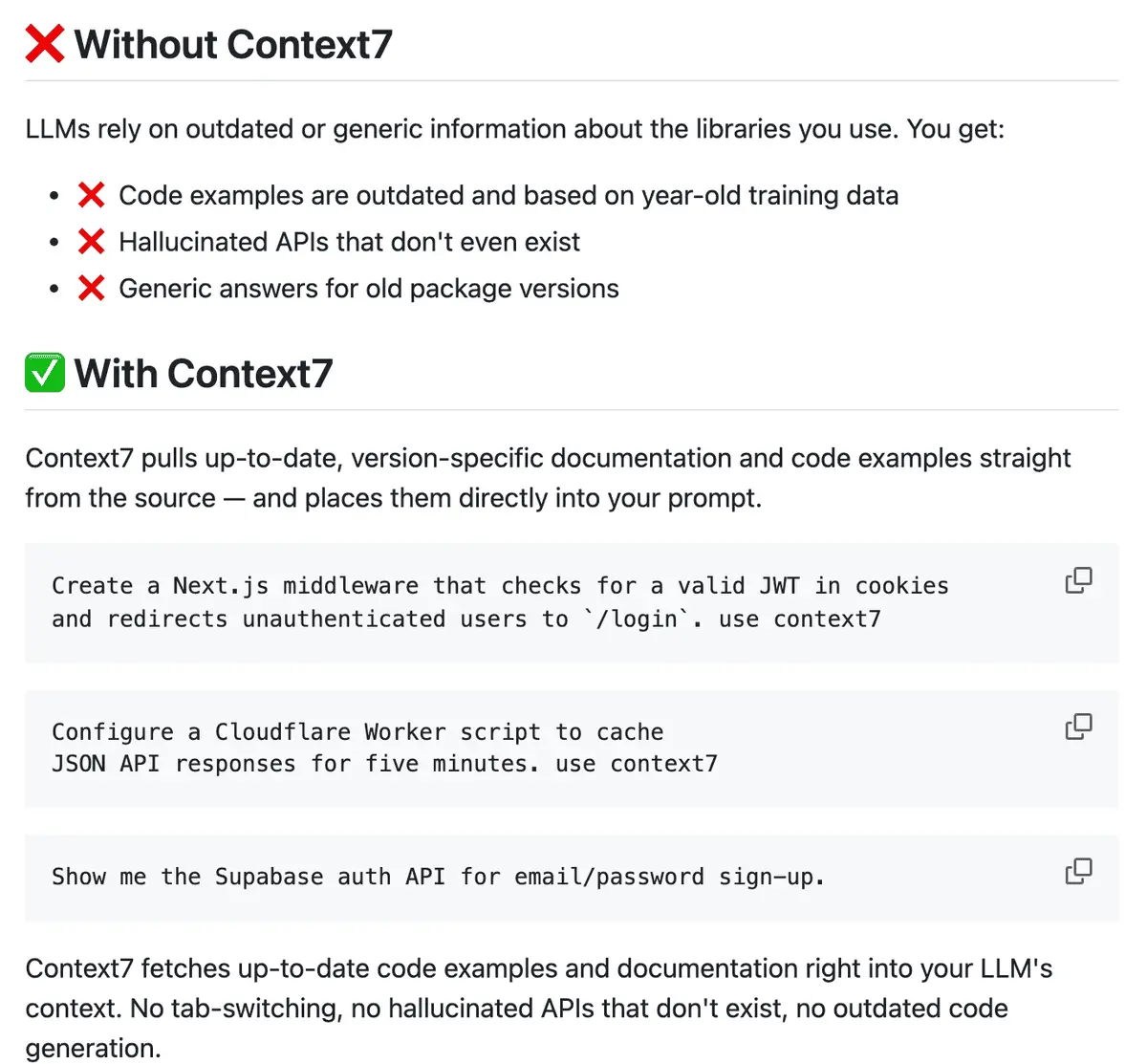
You can name it in a prompt by adding "use context7" to the end, and you can point it at a specific version by saying which one you are on. Install it inside Claude Code:
/plugin install context7@claude-plugins-official
The plugin works with no account. If you hit rate limits, Context7 offers a free API key: run npx ctx7 setup --claude in your terminal instead of the plugin, and it signs you in and sets up a version that uses your key. The project lives on GitHub.
GitHub: read the issue and the pull request directly
The GitHub plugin connects Claude to GitHub itself. Claude can read an issue or a pull request, look at the code it touches, and open or update one for you. So instead of copying a bug report into the chat, you tell Claude the issue number and it reads it there.
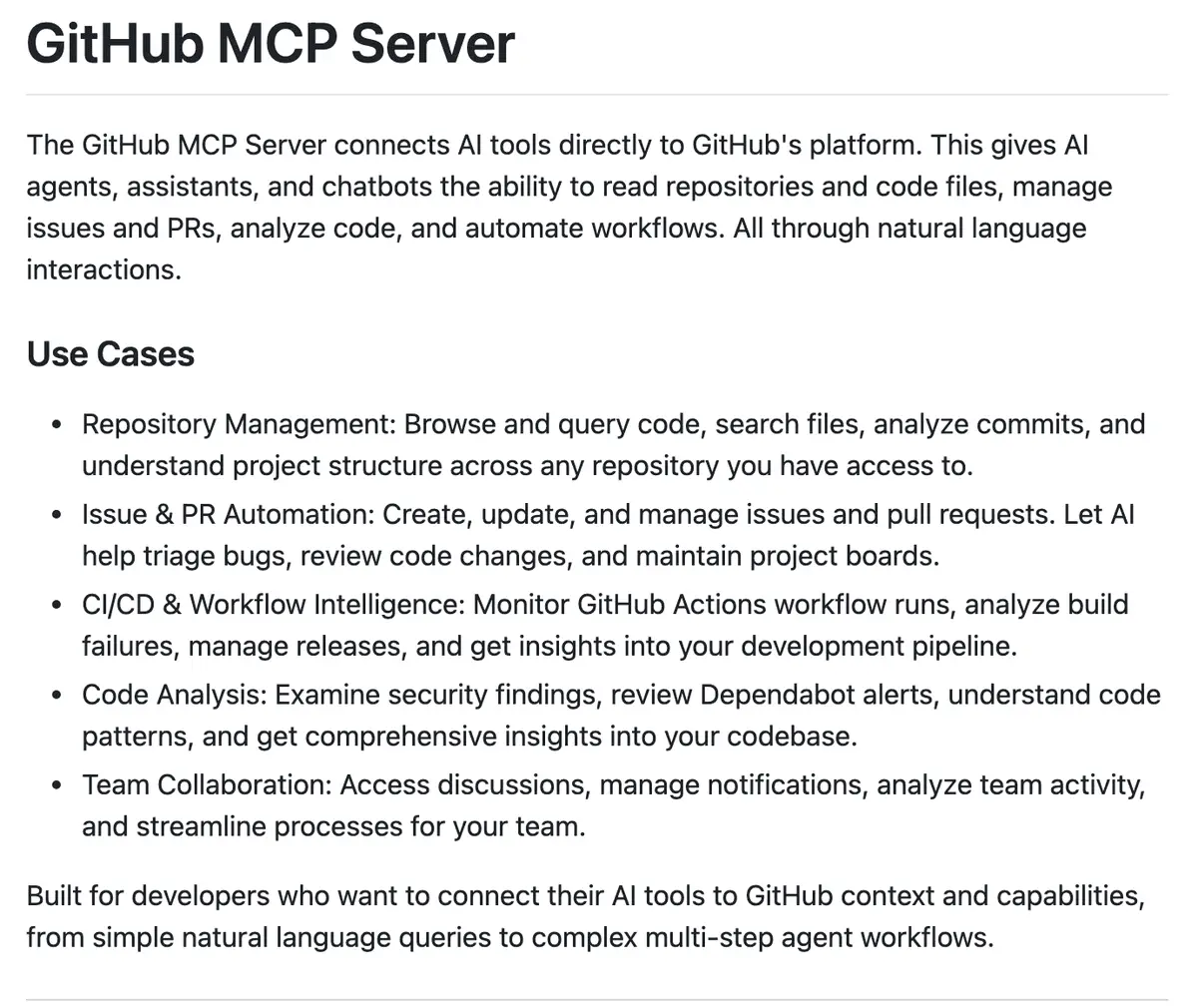
It runs on GitHub's official MCP server and needs a GitHub access token, a password like key you create in your GitHub settings. Set the token as an environment variable named GITHUB_PERSONAL_ACCESS_TOKEN before you start Claude Code, then run this inside it:
/plugin install github@claude-plugins-official
If the token is new to you, the prompt at the end of this post has Claude walk you through it. The server is open source.
Superpowers: a plan first, and tests as it builds
Superpowers changes the order Claude works in. Before it writes code, it asks what you are trying to build and agrees on a design with you. Then it writes a plan broken into small tasks, and as it builds each piece it writes a failing test first, then the code that passes it. So the work comes with its own checks, and a wrong turn shows up as a failing test rather than later as a bug.
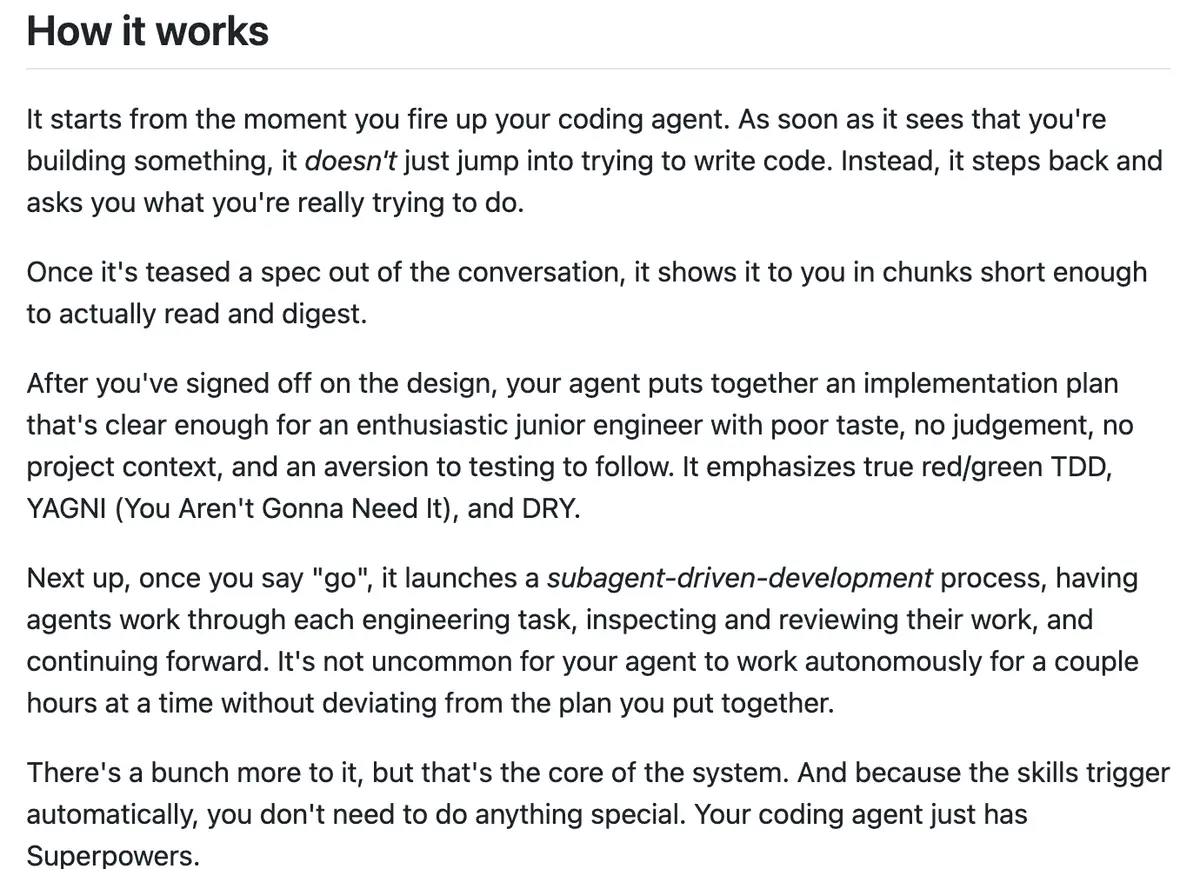
The brainstorming skill is worth trying first. It is the step where Claude asks you questions before it writes code. Install it inside Claude Code:
/plugin install superpowers@claude-plugins-official
I covered what Superpowers does in more depth, including the 5 skills that do most of the work.
Frontend design: pages that avoid the default look
Frontend design is a plugin from Anthropic, which describes it as building distinctive interfaces that "avoid generic AI aesthetics." In practice it gives Claude guidance for frontend work: pick a clear visual direction, with deliberate typography, color and layout, and motion used sparingly, instead of the usual default look. Ask for a landing page or a dashboard and Claude picks a direction and builds to it.
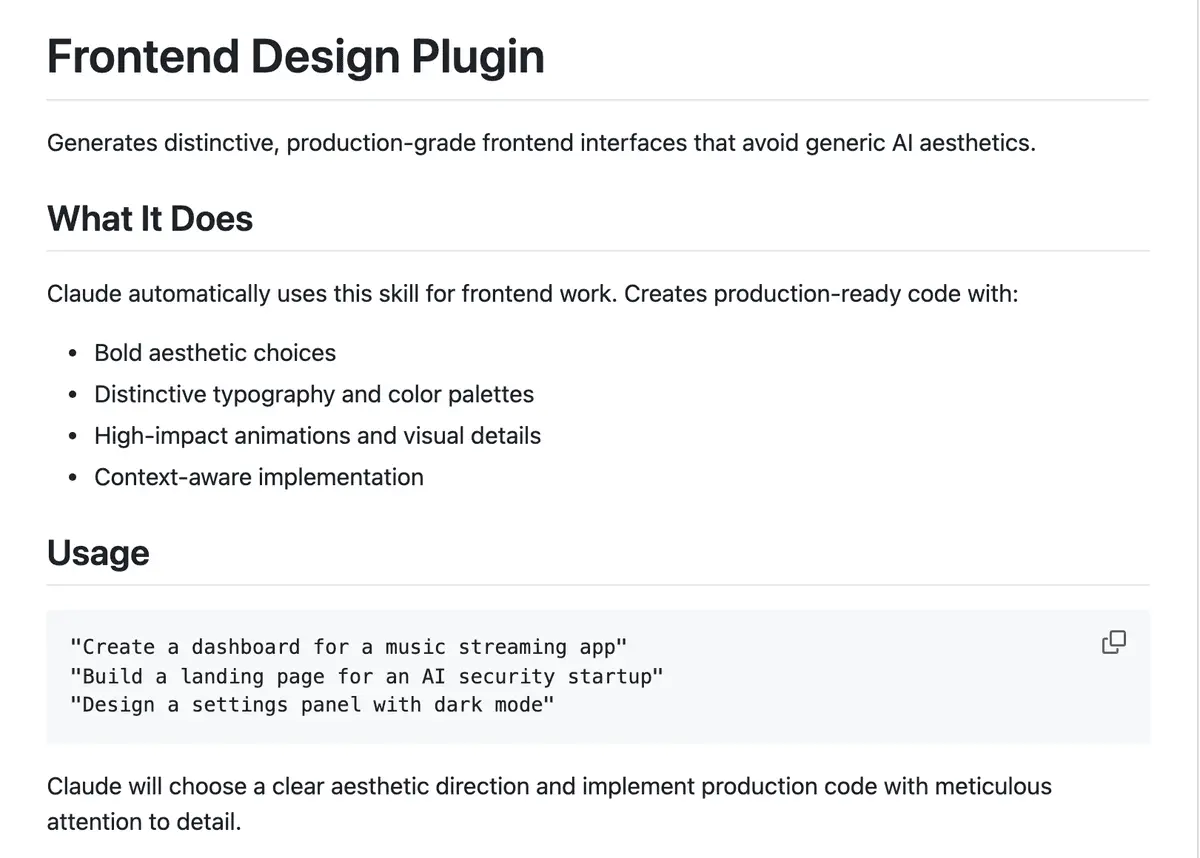
The plugin picks a fresh direction for each brief. To keep new pages on your own look, keep your colors, type and spacing in 1 file in your project and tell Claude to use it, so the direction it builds to is yours. Install it inside Claude Code:
/plugin install frontend-design@claude-plugins-official
It sits in the plugins folder of Anthropic's Claude Code repository.
Chrome DevTools lets Claude start and control a Chrome browser, load your page, and read what you would see in the browser's developer tools: the console with its error messages, and the network requests the page made. When a button does nothing or a form fails, Claude reads the error itself instead of waiting for you to copy it over. It can also click through the page and take screenshots.
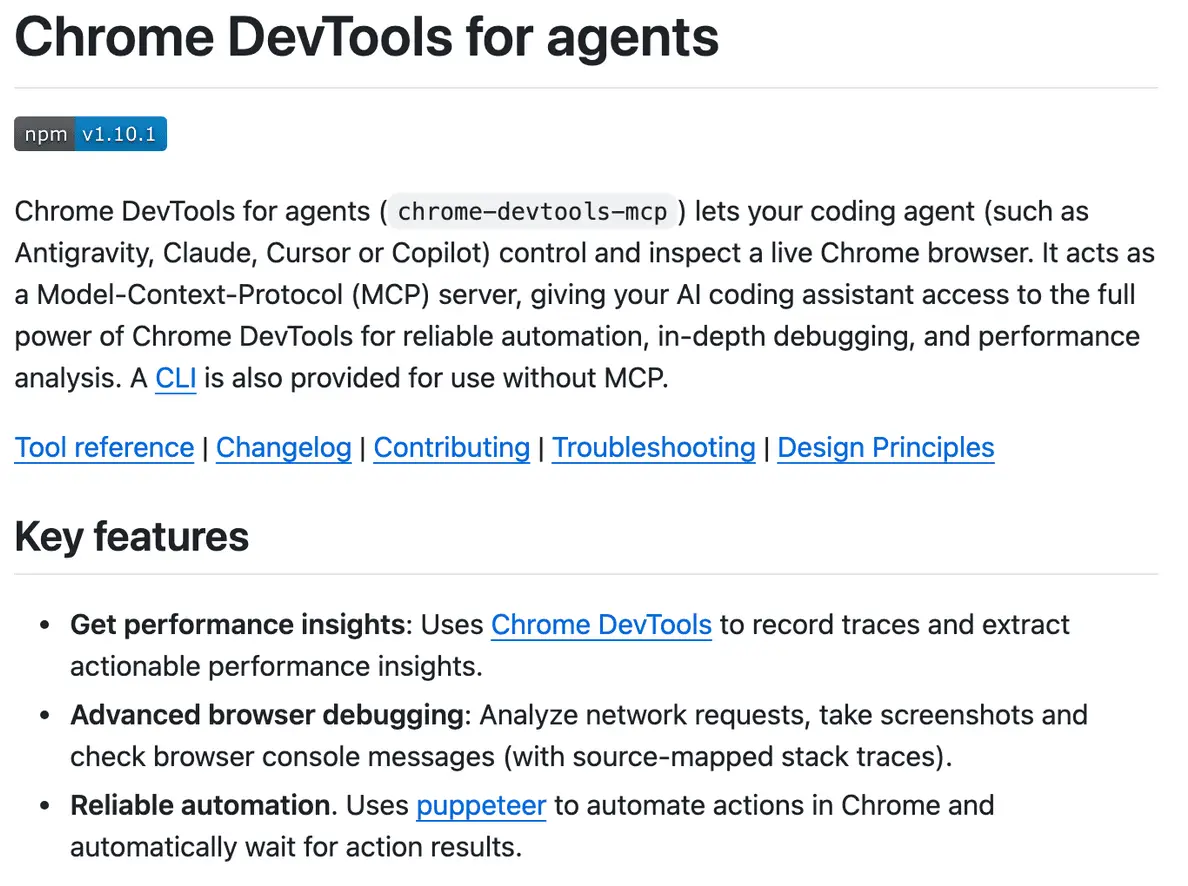
Install it inside Claude Code:
/plugin install chrome-devtools-mcp@claude-plugins-official
It needs Node.js and a current version of Chrome on your machine. The Chrome DevTools team at Google maintains the project. Anything open in that browser is visible to Claude, so keep it to your own work while it runs.
Which Claude Code Plugin Should You Install First?
Pick by the headache you have today.
| If this keeps happening |
Install this first |
| Code breaks after a library update |
Context7 |
| You retype bug reports into the chat |
GitHub |
| Claude builds the wrong thing, or breaks what worked |
Superpowers |
| New pages come out with the default look |
Frontend design |
| A bug only shows up in the browser |
Chrome DevTools |
Add 1, use it for a few days, then add the next. If none of these match your work, or you want a second opinion on your own project, Anthropic has a recommender that reads your codebase and suggests plugins for you. I wrote up how it picks and what it suggested for mine.
Let Claude set them up for you
If you would rather not run the lines yourself, paste this into Claude Code and it will walk you through each one. Delete any plugin you do not want from the first line.
I want to add 5 plugins to Claude Code: Context7,
GitHub, Superpowers, Frontend design and Chrome
DevTools. Here are their pages:
https://github.com/upstash/context7
https://github.com/github/github-mcp-server
https://github.com/obra/superpowers
https://github.com/anthropics/claude-code
(the frontend design plugin in its plugins folder)
https://github.com/ChromeDevTools/chrome-devtools-mcp
Read each setup page first, because I want the
steps from the page, not from memory.
Before you run anything, tell me what each one
needs from me (an account, a token, an app) and
what it costs, then wait for my go.
Set them up 1 at a time. If a step fails, stop
and tell me what happened.
When they are in, show me 1 thing each can do on
the project I have open.
Frequently Asked Questions
Are Claude Code plugins free?
The 5 here are free to install. 4 are open source, and Frontend design is Anthropic's own plugin, free to use. You still need a Claude plan to run Claude Code. Context7 works with no key, with a free one available for higher rate limits, and GitHub needs a free access token.
Do Claude Code plugins work in the desktop app?
Yes, for plugins and MCP servers you add to Claude Code. The desktop app's Code tab runs Claude Code, so what you install is available in its local and SSH sessions. Cloud and WSL sessions do not load your plugins.
How do I see or remove the plugins I have installed?
Type /plugin inside Claude Code to see what is installed, turn plugins on or off, or uninstall one. Uninstalling a plugin also removes any MCP server it added.
Do plugins slow Claude Code down?
They add a little. Each enabled plugin puts its skill names and short descriptions into every turn, and its MCP servers run alongside the session. The full skill text and tool details load only when used, so the cost stays small, and a plugin you no longer use is worth turning off. I walked through what loads at the start of a session and how to audit your own setup.
What is the best Claude Code plugin for beginners?
Superpowers, because its brainstorming step makes Claude ask what you are trying to build before it writes code. If most of your work is a website, Chrome DevTools is a close second, since it saves a lot of back and forth.
