
← Back to blog3 min read
The best Claude Code skills fix what comes after the first draft: pages that look alike, code that grows faster than you can maintain it, and an afternoon of asking for fixes. These 6 are free GitHub repos, and each one also has a Codex install.
Key Takeaways
- Hallmark, Impeccable and Taste Skill change how your pages look. Pick 1 of the 3 for your site.
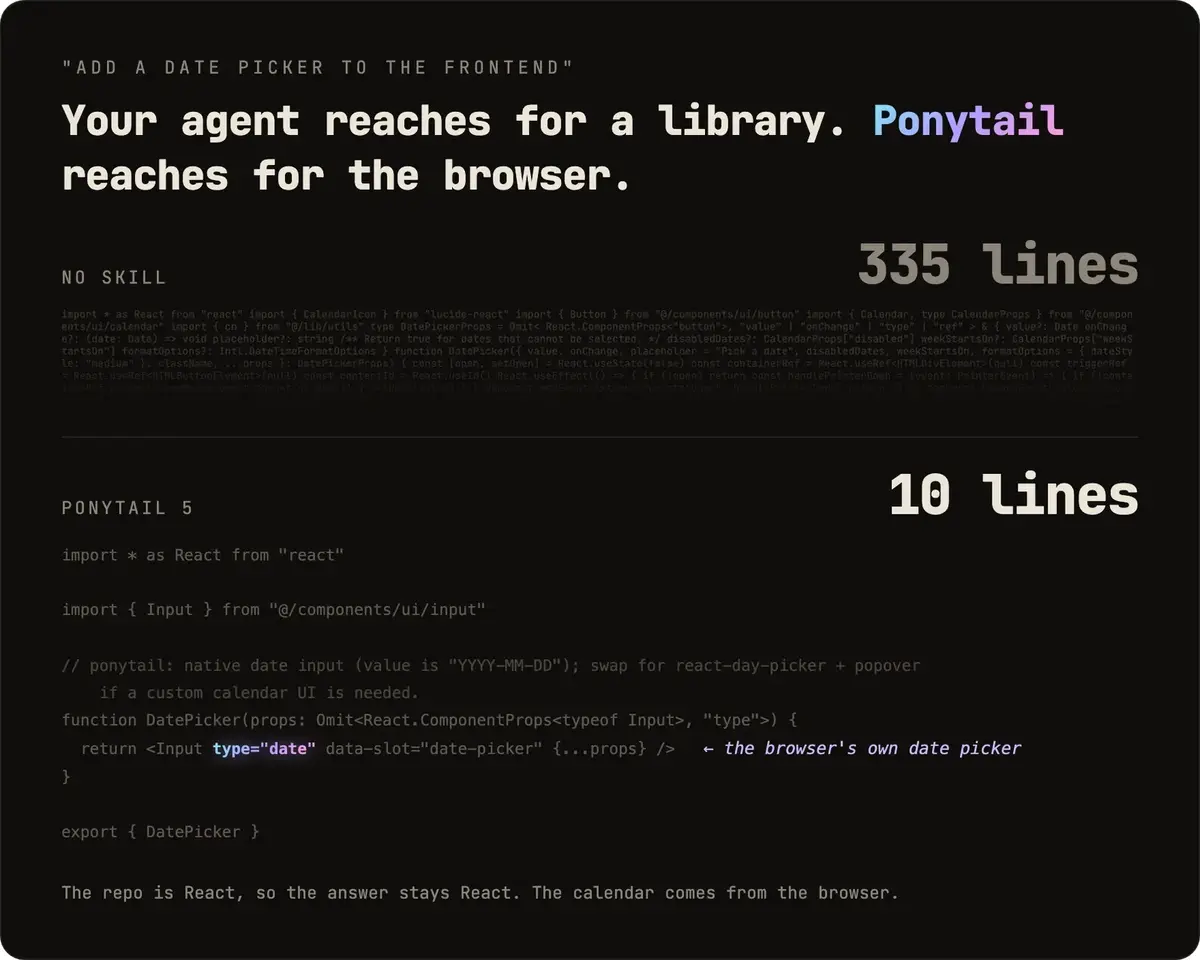
- Ponytail makes your AI write only the code a task needs. In its maker's demo, a date picker went from 335 lines to 10 lines.
- Answer Me with HTML and Anatomy change how your AI explains things, with diagrams and models you can explore.
- Start with 1 design skill plus Ponytail.
Short on time? Jump to which one to install first.
What Is a Claude Code Skill?
A Claude Code skill is a folder of instructions, and sometimes scripts, that teaches Claude 1 kind of task. Claude uses it when a request calls for it, or when you call it with a slash command. Plugins are the wider package, covered in the best Claude Code plugins post. New to Claude Code? Start with the basic Claude Code setup.
Do these skills work as Codex skills too?
Yes. Codex and Claude Code follow the same open skill format, and each repo has a Codex install. In Claude Code you call a skill with a slash, as in /hallmark. In Codex you use a dollar sign, as in $hallmark.
The 6 Best Claude Code Skills at a Glance
| Skill | What it changes | Reach for it when |
|---|---|---|
| Hallmark | The look of a new page | Your AI's pages start to look alike |
| Ponytail | How much code gets written | The code grows faster than you can maintain it |
| Impeccable | The design of a site you have | You want it better without a rebuild |
| Taste Skill | Pages built and checked in a browser | You want art direction and a self check |
| Answer Me with HTML | How answers come back | A wall of text hides the tradeoffs |
| Anatomy | How a concept is explained | You need to see how something works |
All 6 are open source. Most install with 1 line through npx, which comes with Node.
What Each Skill Does and How to Add It
Hallmark: a page with its own look
Hallmark, from Together AI, deals 3 themes from a catalog of 48, builds the page around what your visitor came to do, then checks it for the tells that make a page look AI made.
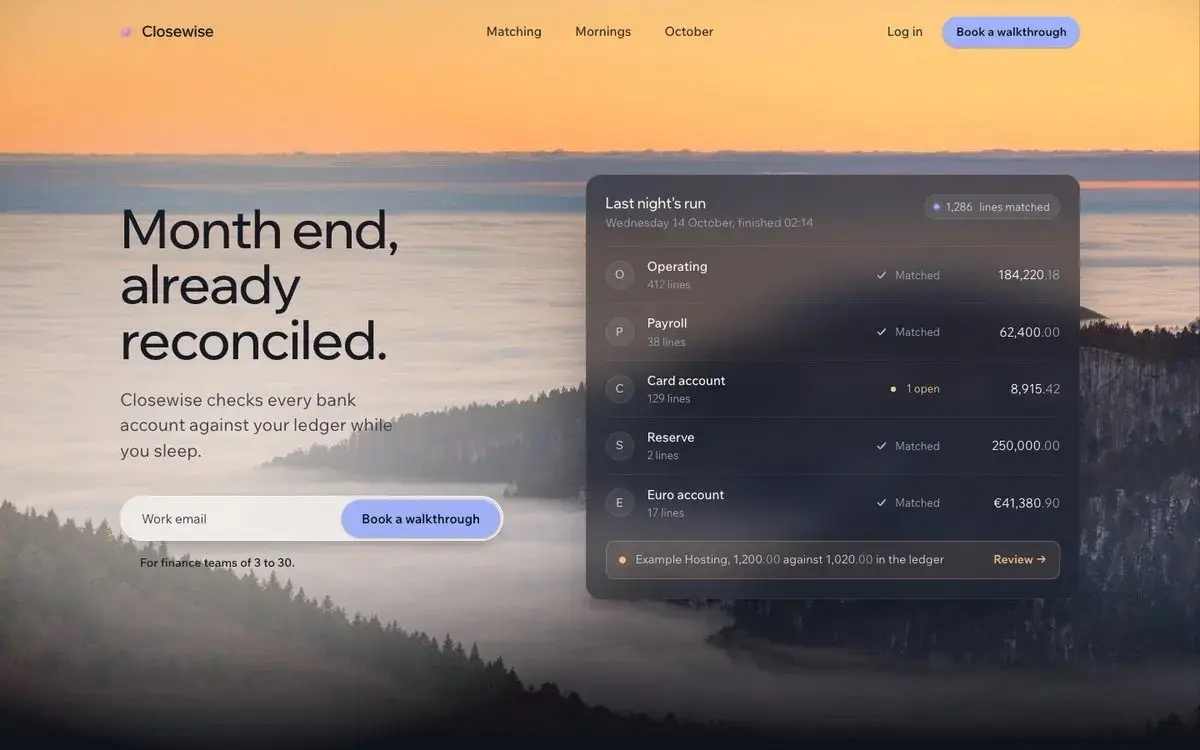
npx skills add nutlope/hallmark -g
Then describe the page you want, or call /hallmark in Claude Code or $hallmark in Codex. See the Hallmark repo for every command.
Ponytail: less code to maintain
Ponytail makes your AI write the minimum code a task needs, while keeping validation, error handling, security and accessibility. Its maker's own demo puts a date picker at 335 lines without it and 10 with it.
/plugin marketplace add DietrichGebert/ponytail
/plugin install ponytail@ponytail
Run the 2 lines one at a time in Claude Code. The Ponytail repo has the Codex lines, and its maker says to install it only from there or its npm package.
Impeccable: a better design for the site you have
Impeccable has 24 design commands. Say bolder, quieter or polish and it reworks a page you already have, without starting over.

npx impeccable install
Run it from your project folder, then /impeccable init in Claude Code or $impeccable in Codex. The Impeccable repo explains the hooks it offers to add during install.
Taste Skill: pages it checks for itself
Taste Skill gives your AI an art direction and real, credited pictures. It then checks the page in a browser at 3 screen widths and fixes the top 3 problems, up to 3 rounds.
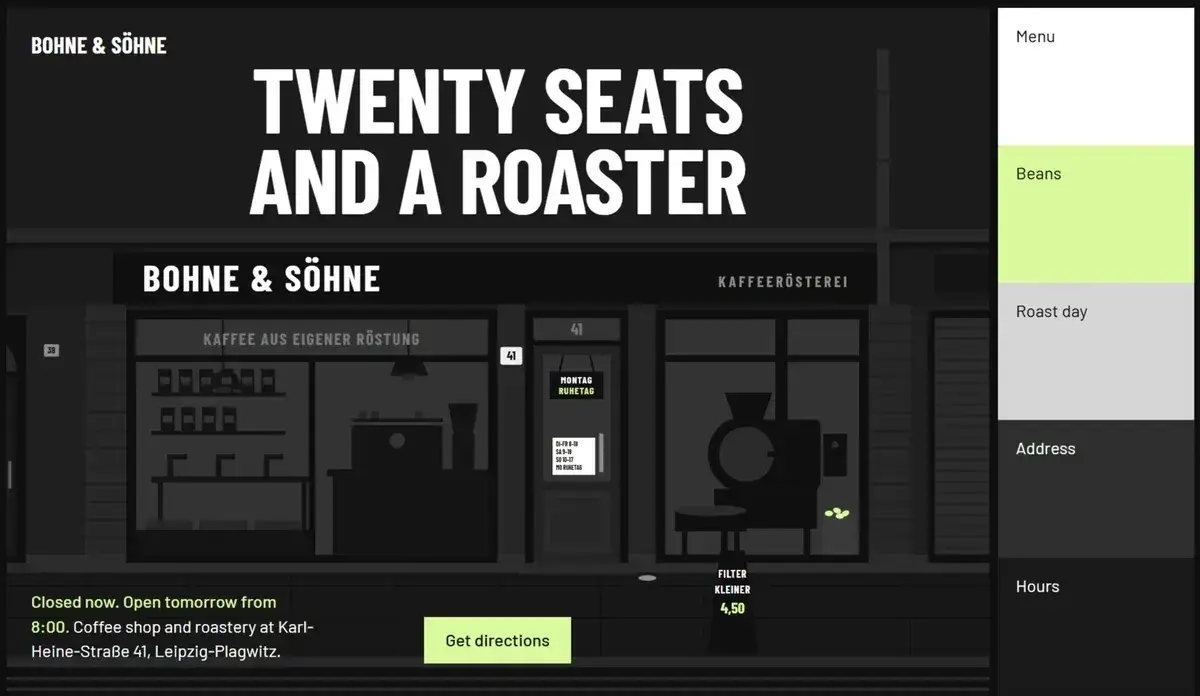
npx skills add https://github.com/Leonxlnx/taste-skill --skill "design-taste-frontend"
Its maker puts a build at 30 to 45 minutes and a few hundred thousand tokens, so save it for a page you plan to keep. The Taste Skill repo has more examples.
Answer Me with HTML: answers you can see
Answer Me with HTML turns a hard answer into a page with diagrams, so you can spot the tradeoffs before you decide. Ask as usual, or say "explain it in HTML".
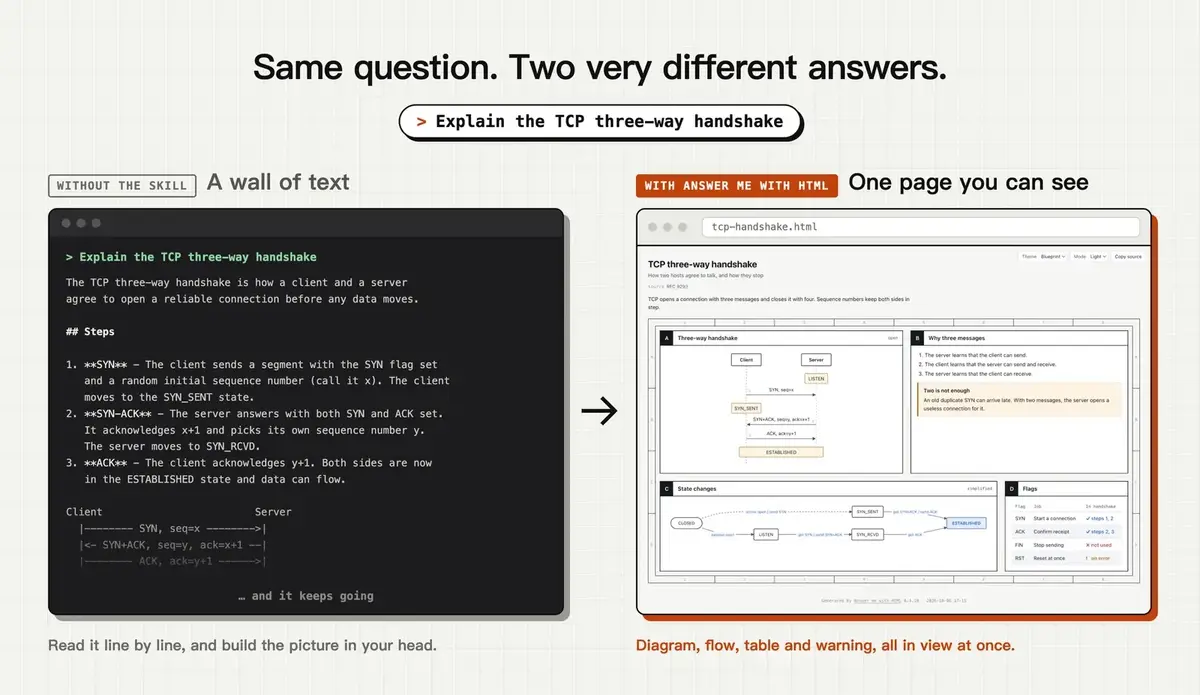
npx skills add QingYunA/answer-me-with-html
Each page is 1 file that opens offline. See the Answer Me with HTML repo for its settings.
Anatomy: take a concept apart
Anatomy explains an idea by building it as a working object you can explore. Some figures come apart piece by piece.
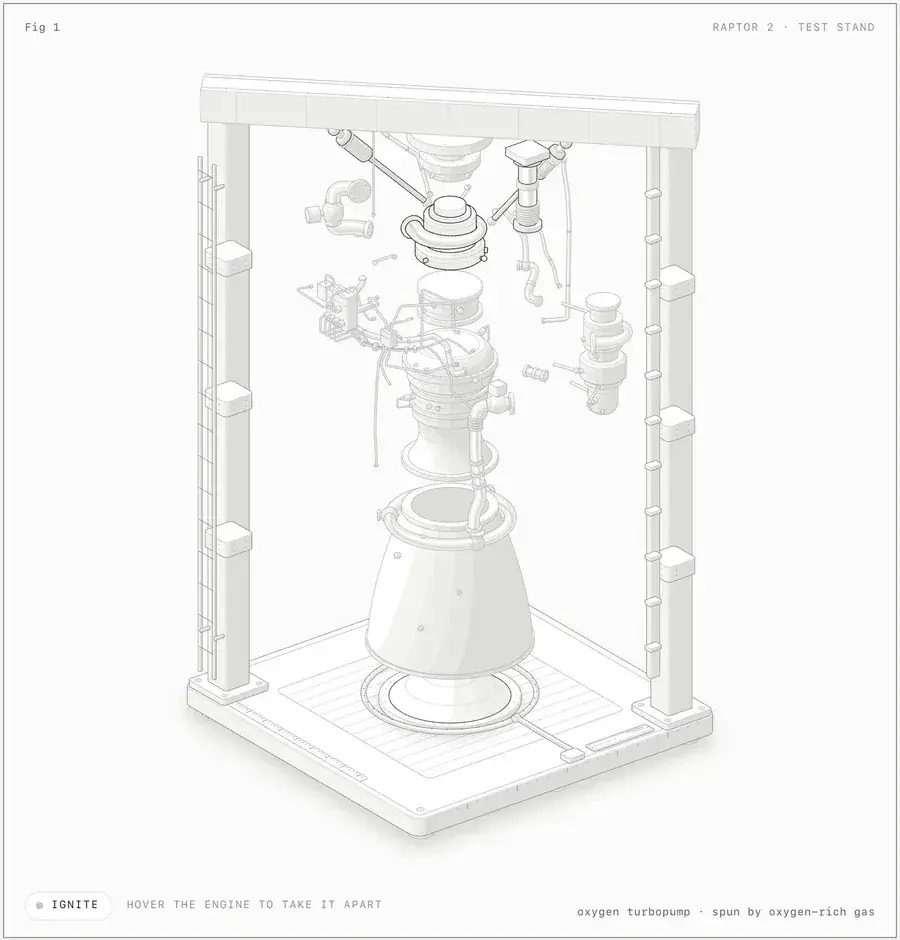
npx skills add wheresryan22/anatomy -g
Then try /anatomy explain how a token bucket rate limiter works, interactive, or $anatomy in Codex. Its maker calls it slow on purpose. The Anatomy repo shows more figures.
Which of the Best Claude Skills Should You Install First?
| If your problem is | Start with | Then add |
|---|---|---|
| New pages look the same | Hallmark | Ponytail |
| Your current site looks plain | Impeccable | Ponytail |
| The code keeps growing | Ponytail | Hallmark |
| You need to understand before you decide | Answer Me with HTML | Anatomy |
I would start with Hallmark, because your next page gets its own look. The links, pictures and a 1 prompt setup for all 6 are on a free setup page. Ready to write your own? Read the skill writing rules.
Frequently Asked Questions
Are these Claude Code skills free?
Yes. All 6 are free and open source. Running them uses your Claude or ChatGPT plan's usage, and a long build like Taste Skill's uses more of it.
Do I need to know how to code to use them?
No. Each one installs with 1 or 2 lines you paste, then you ask for what you want. You need Node installed for the npx lines.
Can I install all 6 at once?
You can, but the 3 design skills overlap. 1 design skill plus Ponytail is a good start.
Are these skills safe to install?
They come from other creators, so read each repo's page first. The setup prompt on the free page has your AI check what each one needs before it installs anything.