
← Back to blog4 min read
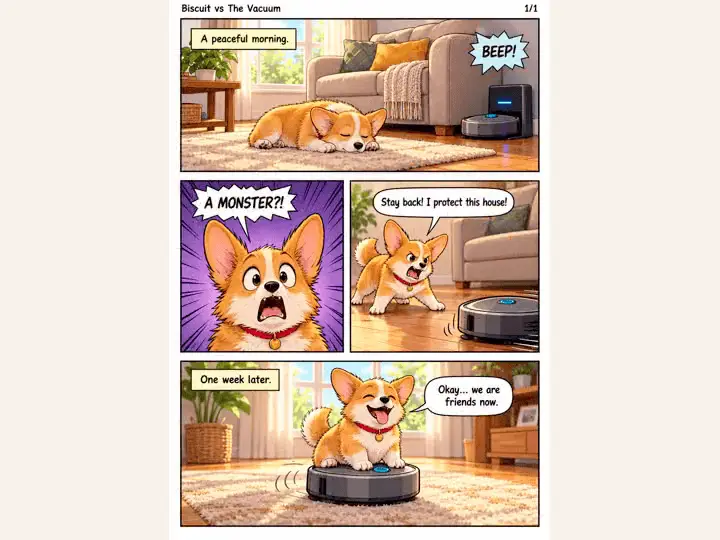
This AI comic generator is a free skill from Japan that turns a story of a line or two into a finished manga page. Claude Code writes the story and lays out the panels, then Codex draws the page on your ChatGPT plan, so there is no API key to set up. I gave it a fictional corgi who thinks a robot vacuum is a monster, and it came back with a full page: 4 panels, speech bubbles, and the same dog in each panel. Then I redrew that page in 13 art styles.
Short on time? Jump to the setup.
Key Takeaways
- You write the story in a line or two. Claude Code turns it into a script and a panel layout, and Codex draws the page.
- It runs on the ChatGPT plan you already have, signed in to Codex. No API key.
- Your characters look the same from panel to panel, the hard part of making a comic with AI.
- Once a page exists, you can redraw it in 13 art styles, from crayon and felt to stained glass and woodblock.
- 1 setup prompt switches it to English comics and adds a small fix so it runs on a Mac.
How This AI Comic Generator Works
The skill splits the job in 2. Claude Code does the writing and the layout, and Codex does the drawing.
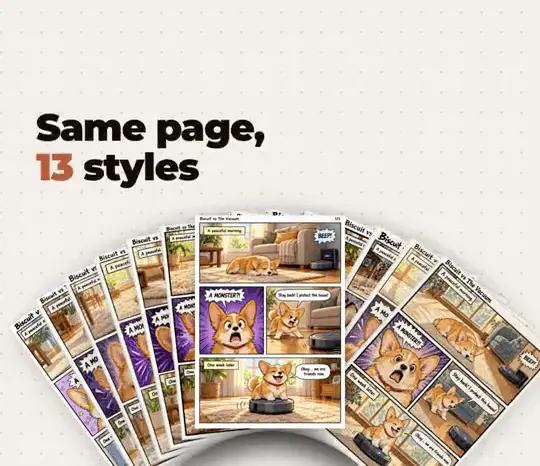
What does Claude Code do?
Claude Code turns your 1 or 2 lines into a full story, splits it into panels, and writes the dialogue for each speech bubble. It saves that as a layout file for the drawing step, so the story is settled before a single panel is drawn.
What does Codex do?
Codex draws the page from that layout, with the image model on your ChatGPT plan. On my run, 1 page took about 90 seconds.
Do you need an API key?
No. Codex draws with the ChatGPT account you sign in with, so the images come from the plan you already pay for. You need a ChatGPT plan that can make images.
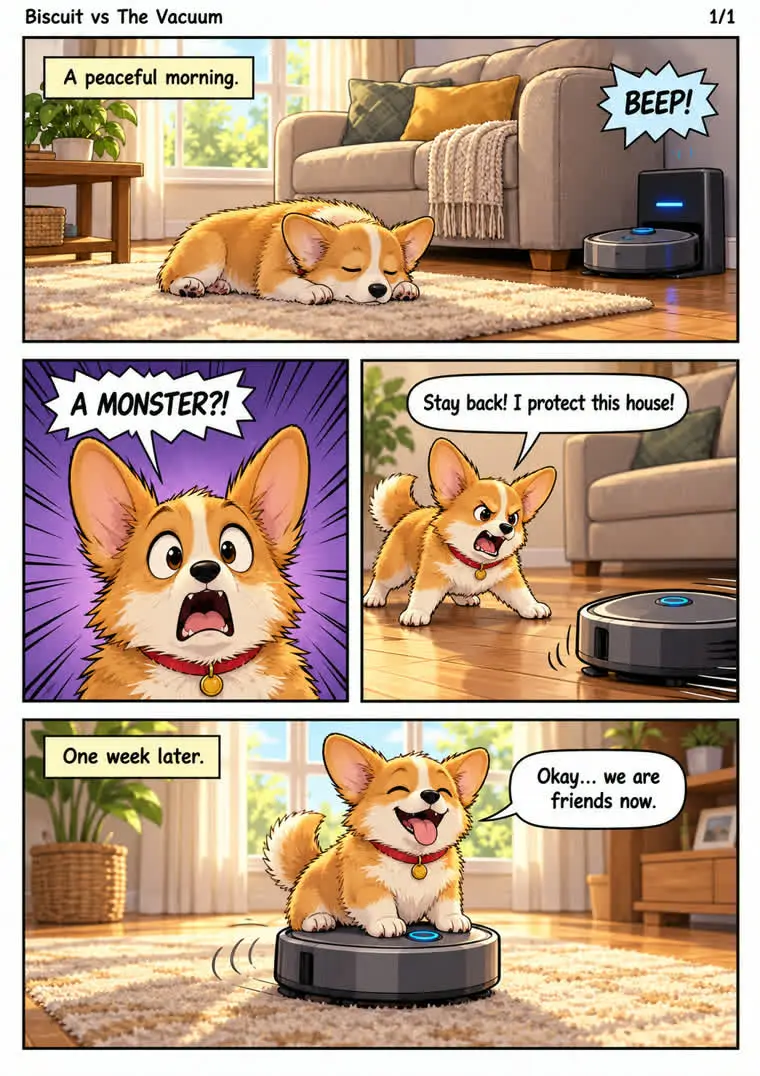
Here is the page it drew for my corgi story, in the default style:
Why This Is Worth Running
3 reasons this skill earns an afternoon of play:
- It went viral in Japan, where it was built. The pages read like manga, with panel order, sound effects and speech bubbles in place.
- Your characters stay the same. Biscuit looks like the same dog in each panel, which is what makes a page read as a story instead of 4 separate pictures.
- It is open source and free. The code is on GitHub under the MIT license, and it runs as a Claude Code skill. New to skills? My guide to Claude skills covers how they load and what they can touch.
13 Manga Styles From 1 Page
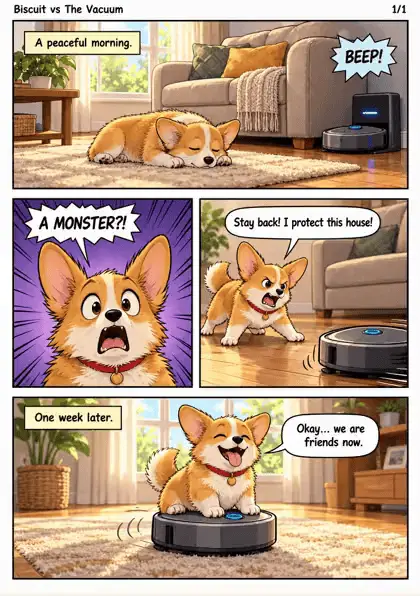
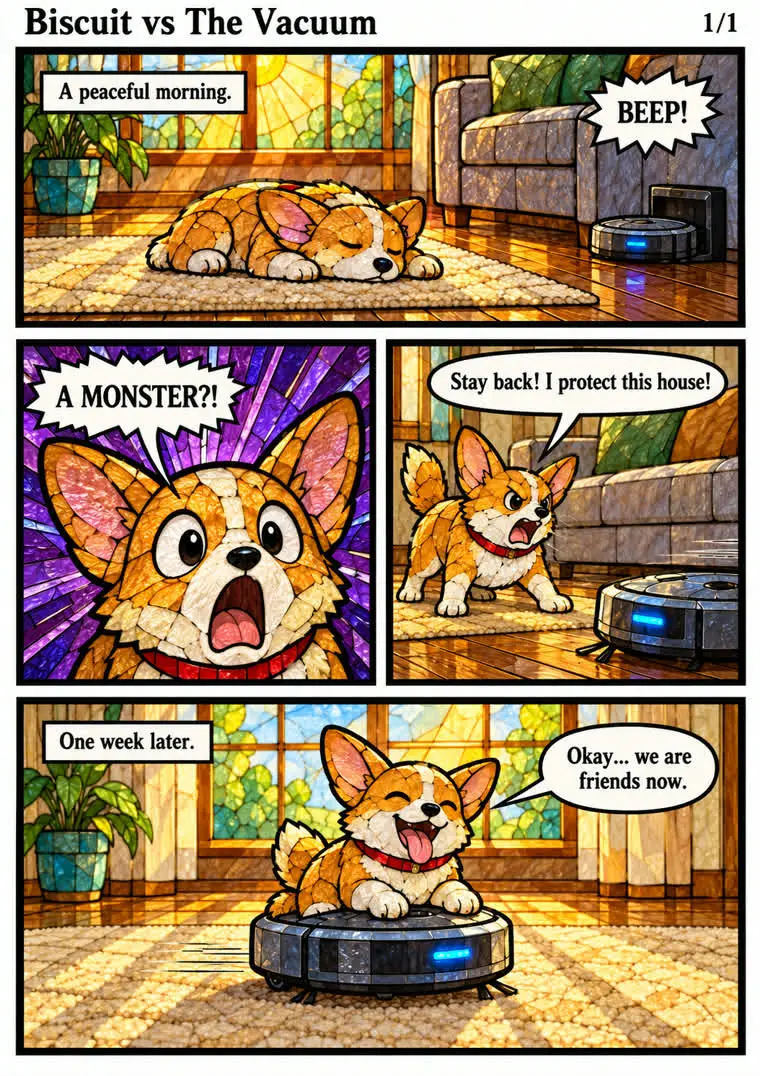
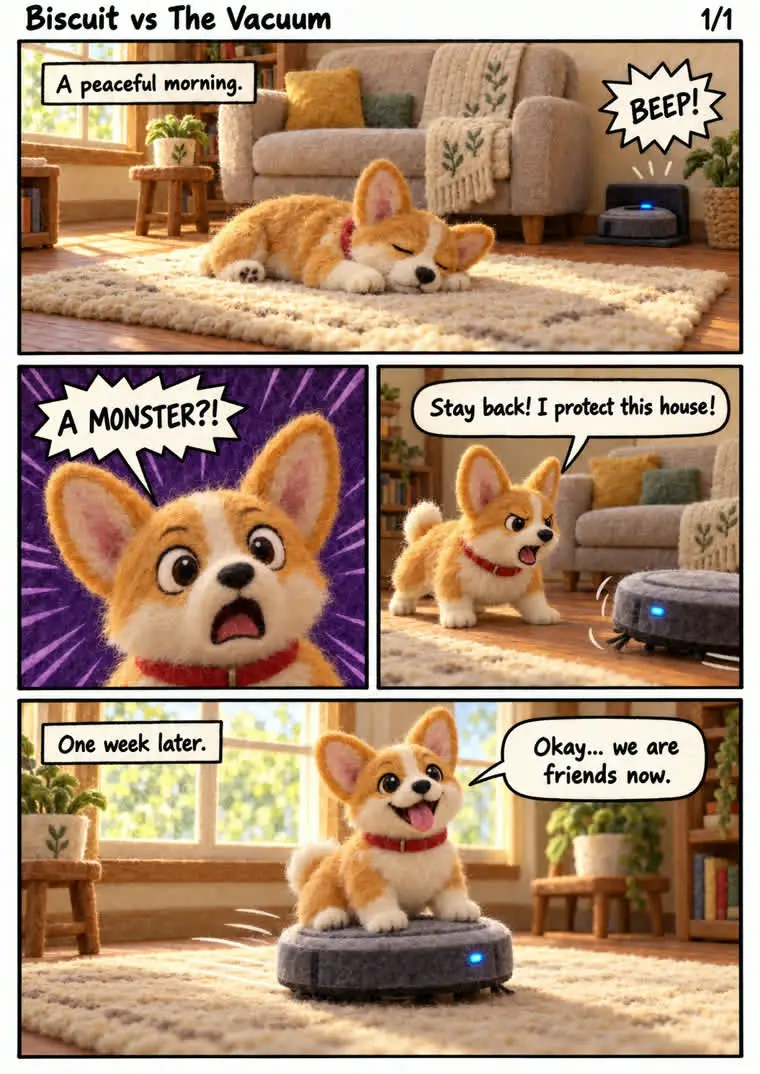
Once you have a page, you can ask for the same page again in another style. The story, panels and dialogue stay put, and only the art changes. Here is Biscuit in all 13, plus the default:
| Style | Ask for it as | What it looks like |
|---|---|---|
| Standard | the default | Glossy, bright cartoon |
| 90s anime | cel-90s |
Flat cel shading, bold color |
| Torn paper | chigiri-e |
A mosaic of torn paper |
| Colored pencil | colored-pencil |
Visible pencil hatching |
| Crayon | crayon |
Thick, waxy strokes |
| Felt | felt |
Fuzzy needle felted wool |
| Oil paint | oil-impasto |
Thick brush strokes, warm light |
| Paper cutout | paper-cutout |
Layered cut paper shapes |
| Risograph | risograph |
Halftone grain, 2 ink colors |
| Soft pastel | soft-pastel |
Chalky, hazy strokes |
| Stained glass | stained-glass |
Glass tiles with dark outlines |
| Ink wash | sumi-e |
Brush ink and splatters |
| Watercolor | watercolor |
Soft washes on cream paper |
| Woodblock | woodblock |
Flat color blocks, carved lines |
Which style should you try first?
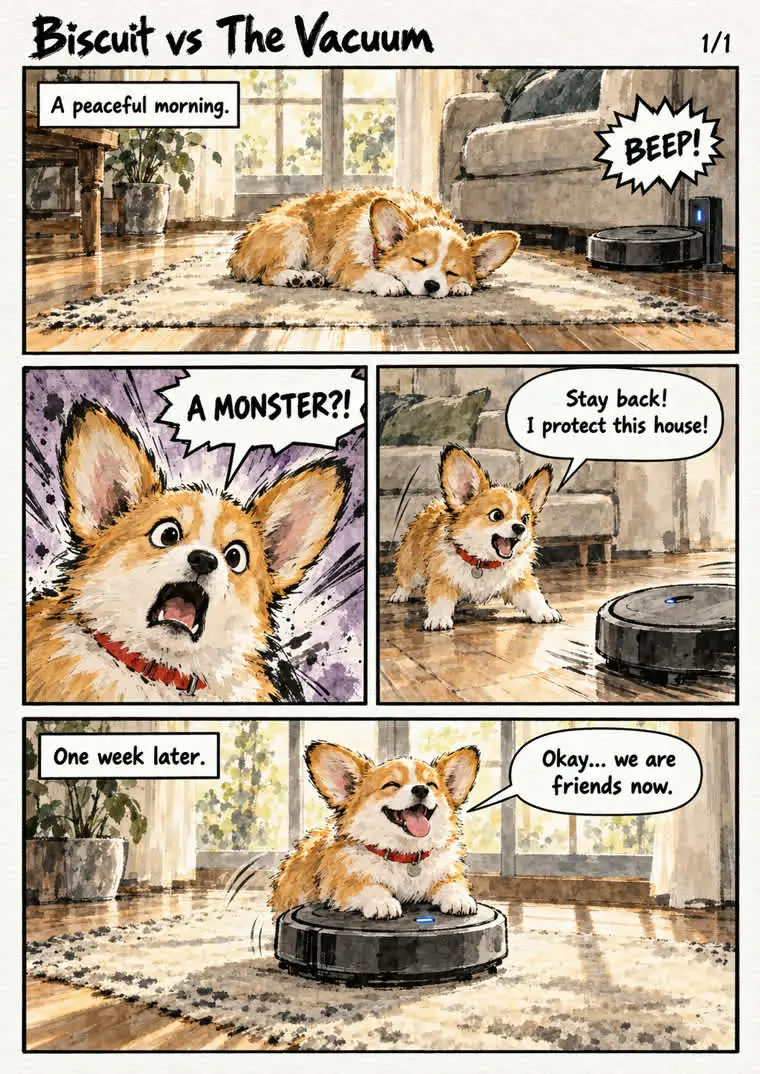
Start with the default to check the story reads well, then try 2 or 3 styles on the same page and keep your favorite. These 3 show how far apart they get:
Made for English Comics and the Mac
The skill was built in Japan, so out of the box it writes Japanese from top to bottom, and on a Mac it needs a small fix before it draws. I fixed both, and the setup prompt applies the fixes for you.
How do you get English comics?
Out of the box, the dialogue is vertical Japanese and the panels read right to left. The setup prompt adds English drawing rules: dialogue set across the bubble, read left to right, with panels in Western comic order.
Does it run on a Mac?
Yes, with the small fix the setup prompt adds. Without it, the drawing step stops on a Mac when you give it no character reference picture. The fix lets it draw from your story alone.
How to Set Up the AI Comic Generator
The setup is 1 prompt. It sits on a free setup page with the style gallery, so you can copy it in 1 click.
Step 1: Write your story
Fill in the 2 lines at the top of the prompt: what happens, and a style if you have one in mind. Something like "my cat stealing my seat, in crayon style."
Step 2: Paste it into Claude Code or Codex
The setup prompt works from either app. New to Claude Code? Start with how to use Claude Code, then come back.
Step 3: Look it over together
The skill comes from another creator, so the prompt has your AI look it over with you first, in plain words, and waits for your go.
Step 4: Let it check Codex
The prompt checks that Codex is installed and signed in. If it is not, it walks you through installing it and signing in with your ChatGPT account.
Step 5: Get your first page
It applies both fixes, shows you what it changed, then draws your story and opens the page.
What to Make With It
Small, specific stories work best. A few ideas for your first AI manga generator page:
- Your pet's secret life, like a corgi at war with a vacuum.
- An inside joke with friends, drawn as a 4 panel gag for the group chat.
- A day at work told as a dramatic manga, with a deadline as the villain.
- A bedtime story starring your kid.
Codex draws from your ChatGPT plan, so the pages count toward its usage. If you use Codex for other work too, my notes on Codex usage limits cover how that allowance works.
FAQ
Is this AI comic generator free?
The skill is completely free and open source. The drawing runs on your ChatGPT plan through Codex, so you need a plan that can make images. There is no API key to buy.
Does it work with Gemini?
Codex does the drawing, so the skill runs with Codex and a ChatGPT plan.
How long does a page take?
On my run, 1 page took about 90 seconds.
Can it make more than 1 page?
Yes. The sample that comes with the skill is a 2 page story, with the last beat of page 1 picked up at the top of page 2. Start with 1 page to check the characters and the style, then go longer.
Can Claude make videos too?
Yes, from code. My post on Claude video generation shows how I turned 1 link into a brand video.